Operation Procedure
- Turn ignition switch OFF.
- Connect CONSULT-II to data link connector.
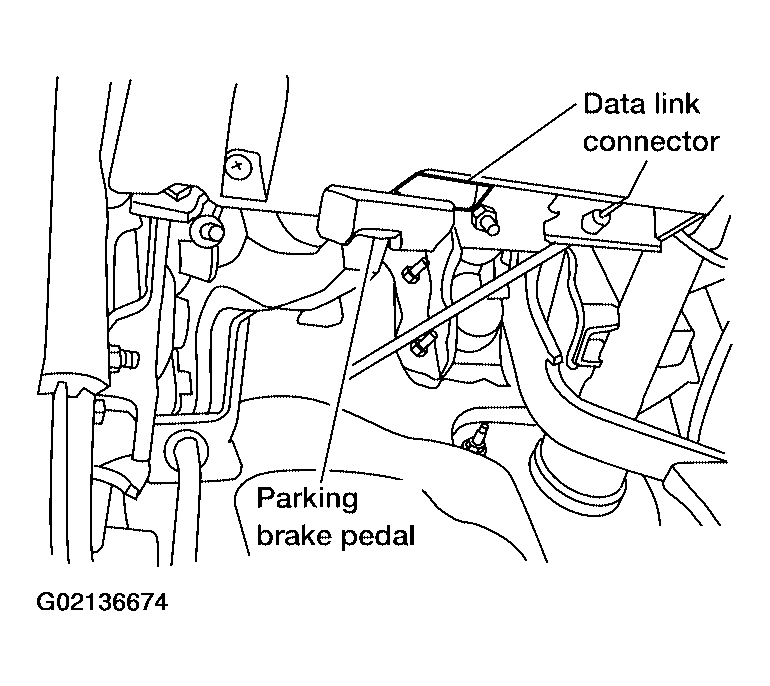 Courtesy of NISSAN MOTOR CO., U.S.A.
- Turn ignition switch ON.
- Touch "START" on display.
- Touch "ABS" on display.
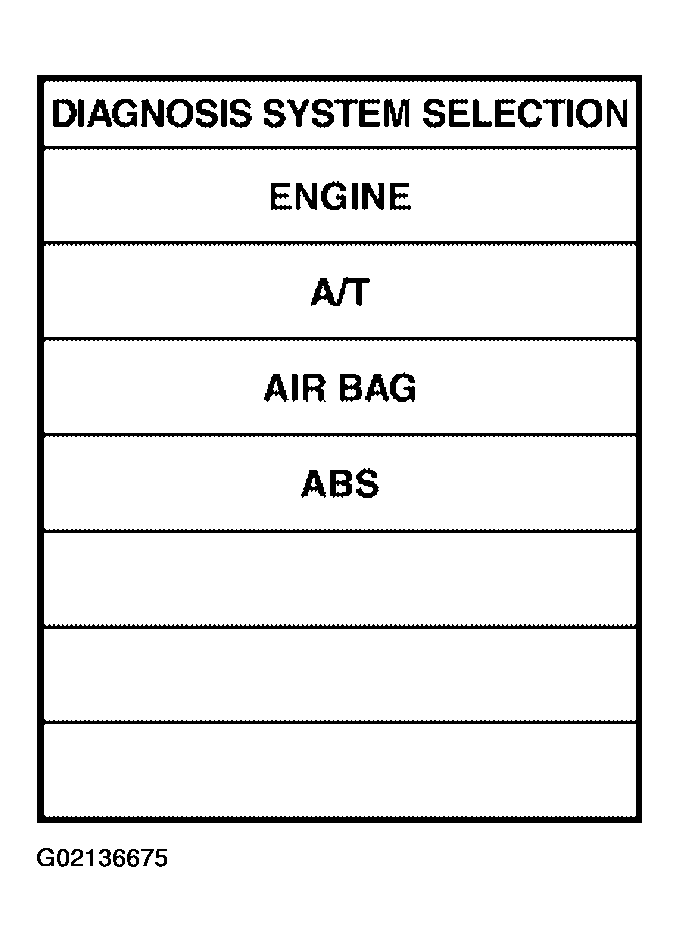 Courtesy of NISSAN MOTOR CO., U.S.A.
- Touch "DATA MONITOR".
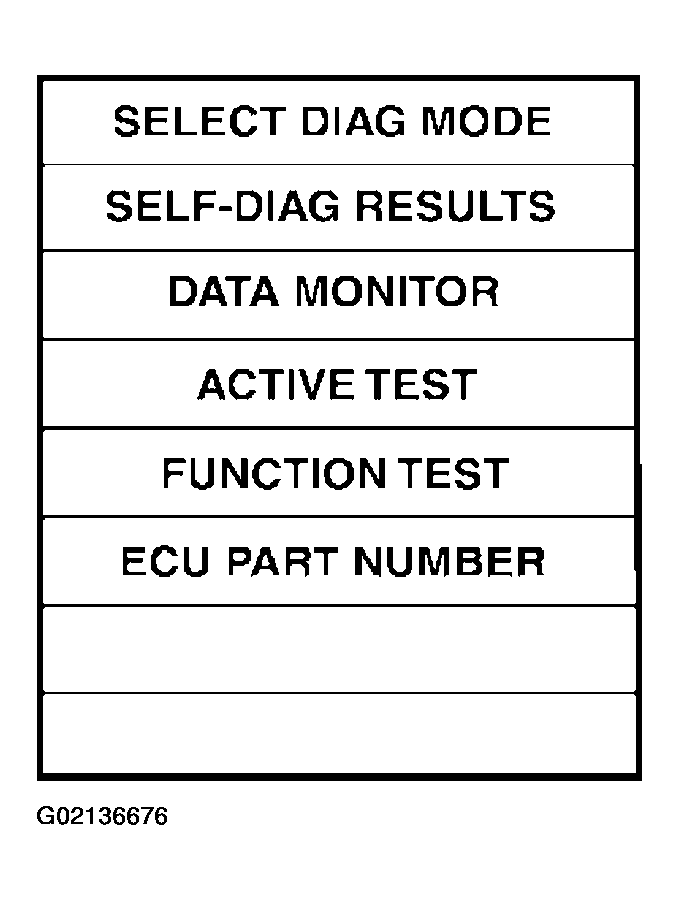 Courtesy of NISSAN MOTOR CO., U.S.A.
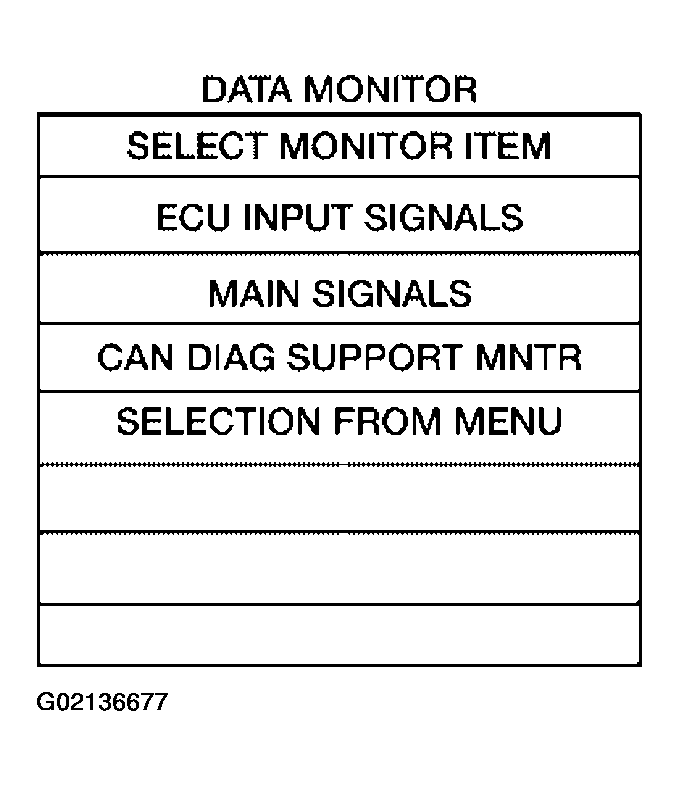
- Return to monitor item selection screen and touch any of "ECU INPUT SIGNALS", "MAIN SIGNALS", "CAN DIAG SUPPORT MNTR" or "SELECTION FROM MENU", Refer to
"DISPLAY ITEM LIST ".
- Touch "START".
- Screen of data monitor is displayed.
 Courtesy of NISSAN MOTOR CO., U.S.A.