Engine Front Cover: Removal
- Remove the left and right valve cover (6582). For additional information, refer to VALVE COVER-LH and VALVE COVER-RH
- Remove the crankshaft front oil seal (6701). For additional information, refer to CRANKSHAFT FRONT OIL SEAL
- Remove the bolts and position the power steering (P/S) pump (3A674) aside.
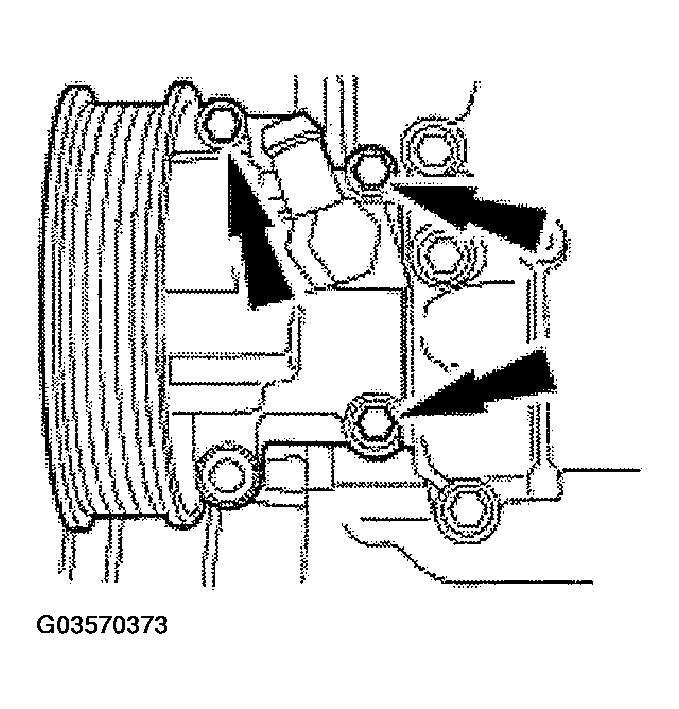 Courtesy of FORD MOTOR CO.
- Disconnect the crankshaft position (CKP) sensor (6C315).
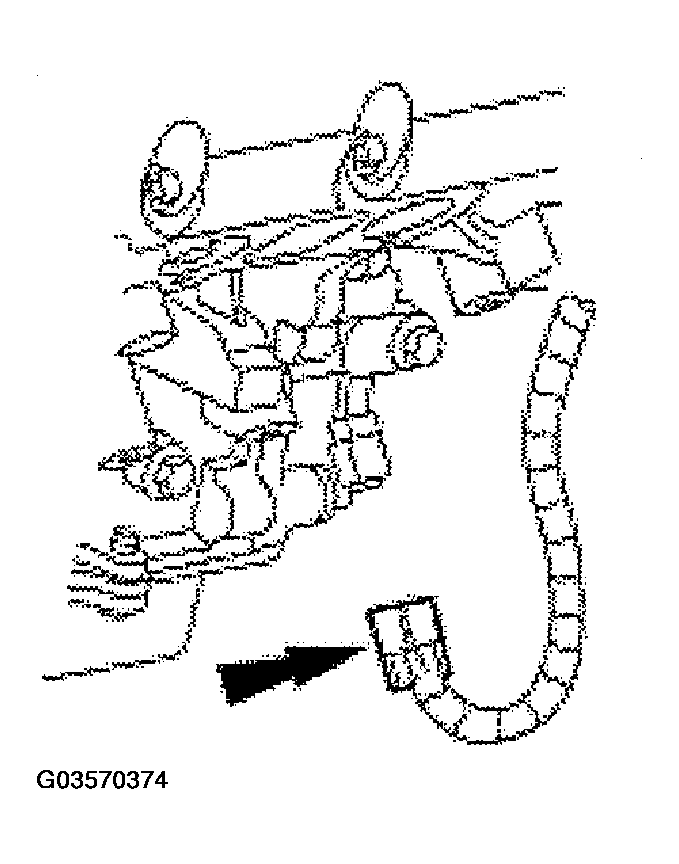 Courtesy of FORD MOTOR CO.
- Drain the engine oil.
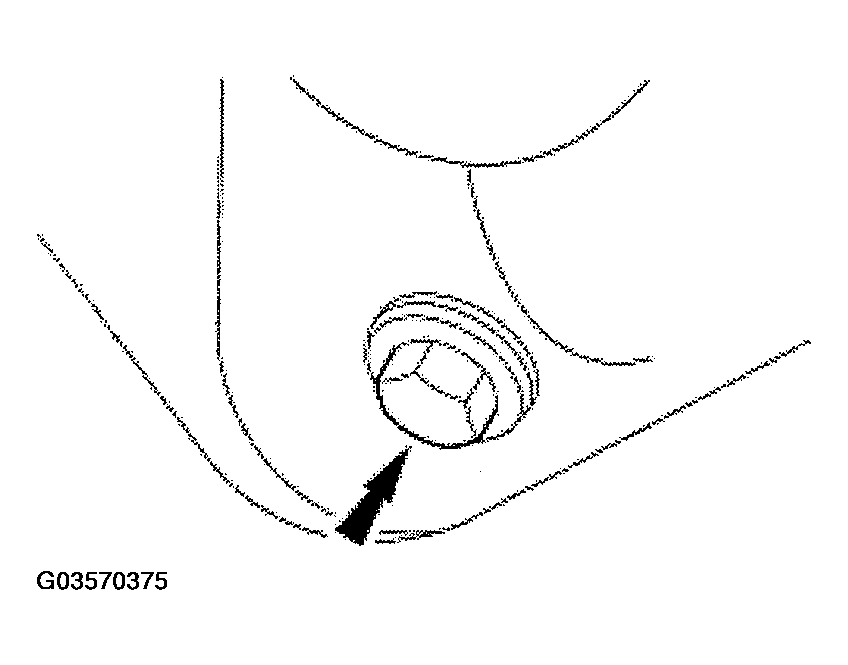 Courtesy of FORD MOTOR CO.
- Remove the bolts.
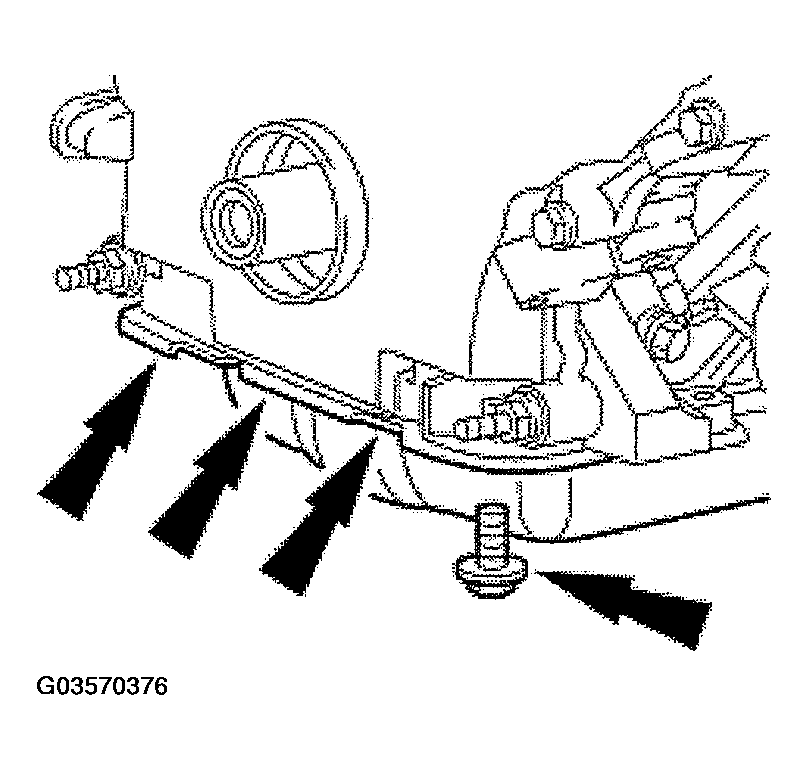 Courtesy of FORD MOTOR CO.
- Lower the vehicle.
- Remove the water pump pulley.
- Remove the bolts.
- Remove the water pump pulley (8509).
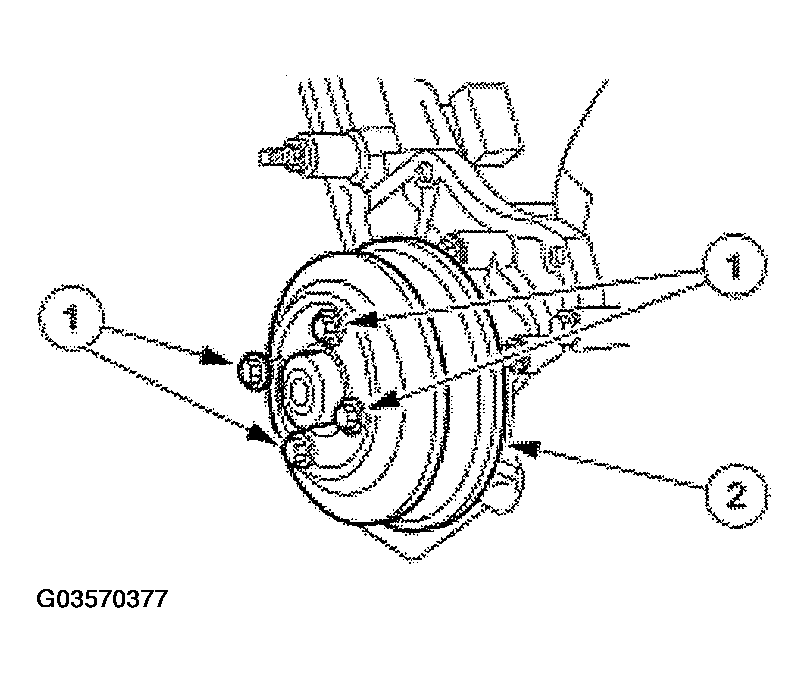 Courtesy of FORD MOTOR CO.
- Disconnect the camshaft position (CMP) sensor (6B288).
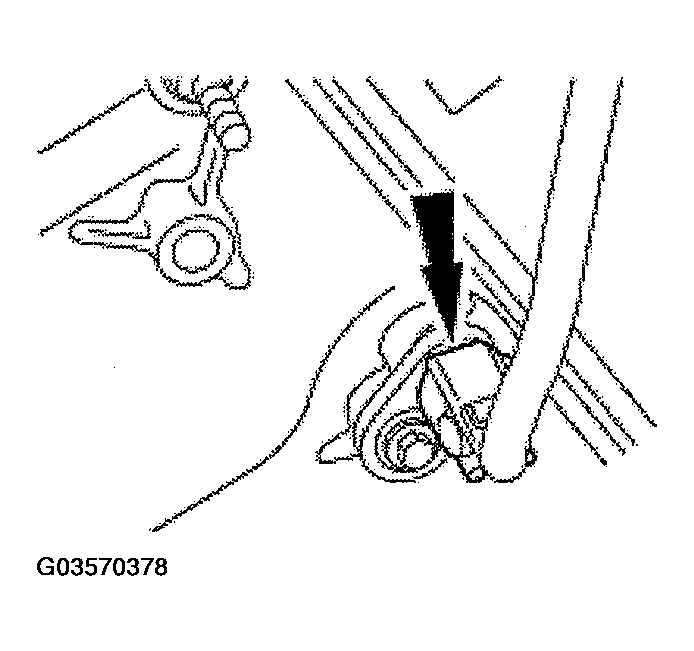 Courtesy of FORD MOTOR CO.
- Remove the bolt and the belt idler pulley (8678).
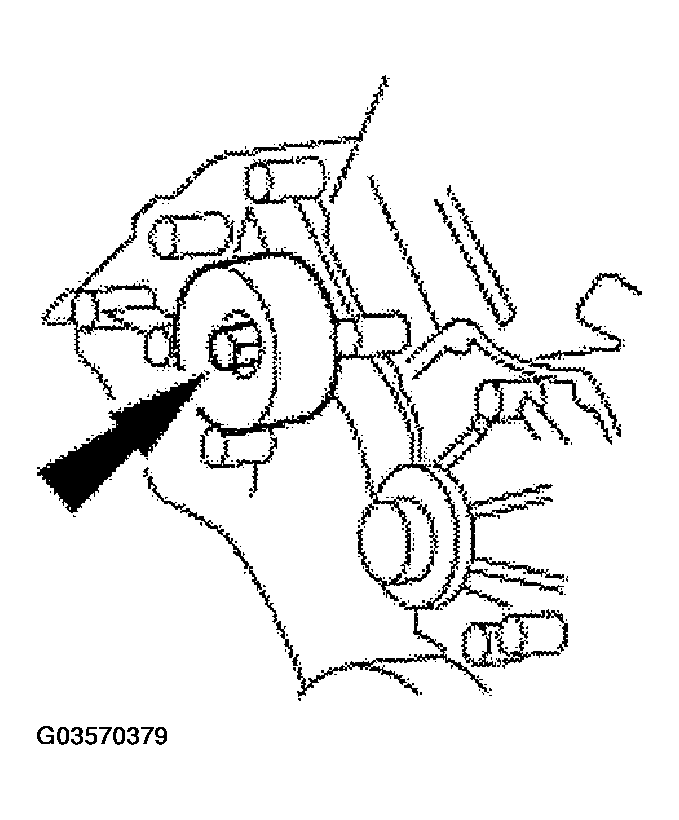 Courtesy of FORD MOTOR CO.
- Remove the bolts and the studs, the engine front cover and the gaskets.
- Clean and inspect the front cover and oil pan sealing surfaces.
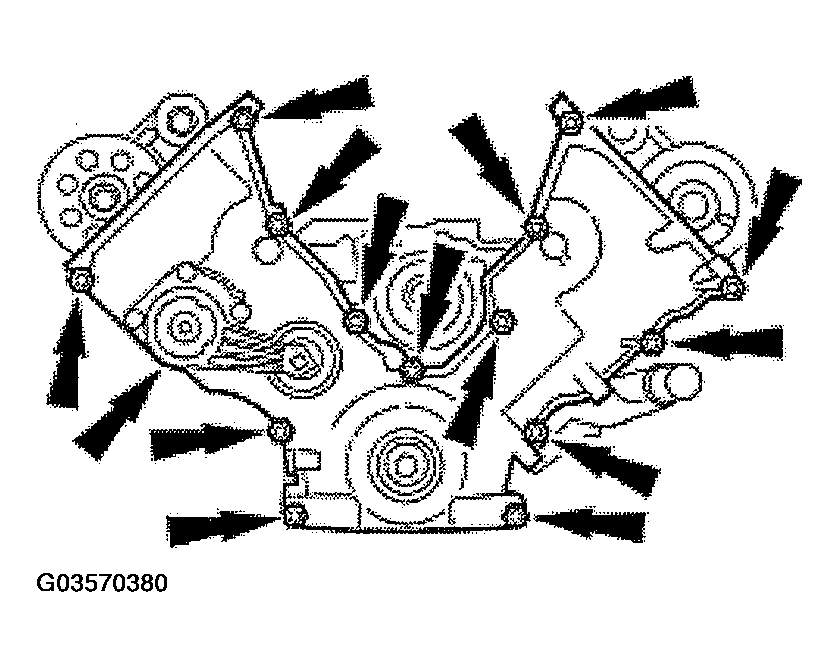 Courtesy of FORD MOTOR CO.